
Keep Revit in Sync
Sync Revit changes manually or with Live Sync. Configured material overrides and family replacements persist as the model evolves.
REVIT ♥ BLENDER
Bring your Revit models into Blender as part of the design process. Explore ideas, test materials, compare design alternatives, and visualize your project as it evolves.
Sync manually or with Live Sync. Material overrides and family replacements stay in place as your Revit model changes.
14-day free trial No payment details required
Blender add-on is free. A $20/seat/month Revit subscription is required to continue after the trial. Taxes may apply.
Sync Revit changes manually or with Live Sync. Configured material overrides and family replacements persist as the model evolves.
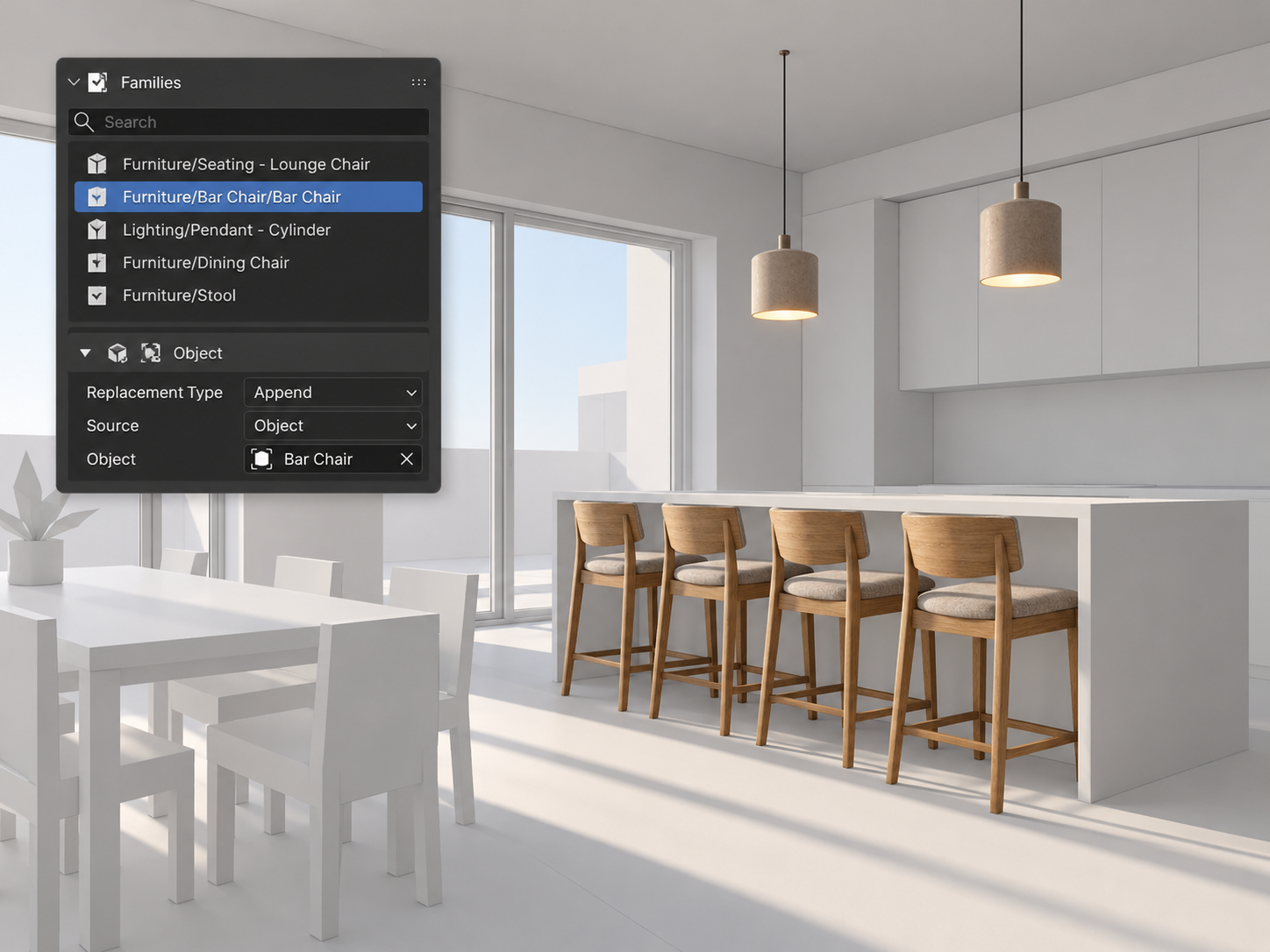
Swap Revit families for detailed Blender assets. Existing replacements follow moved instances, and new matching instances are replaced.
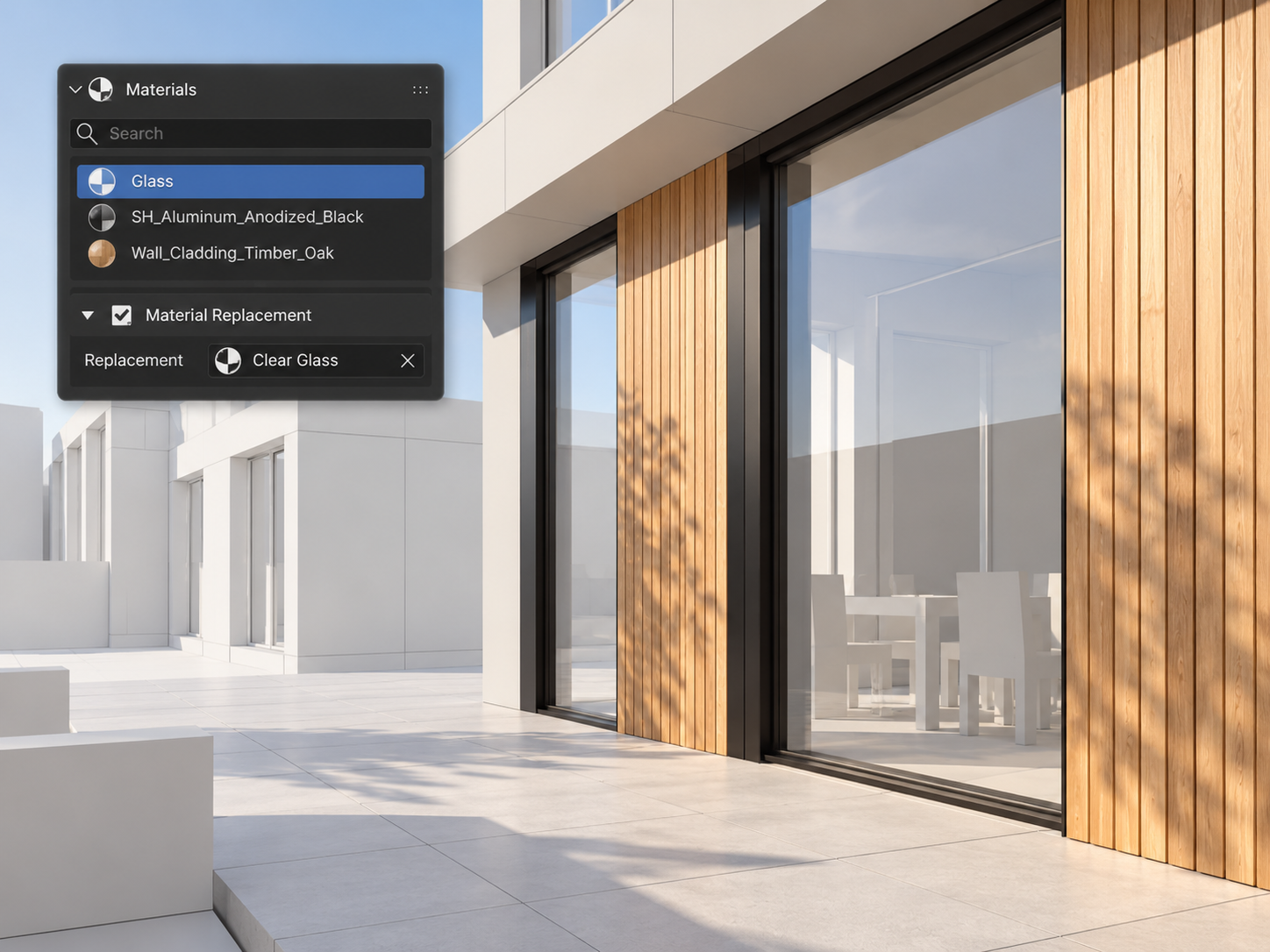
Assign Blender shaders to Revit materials to explore different finishes. Configured overrides persist across synchronization.
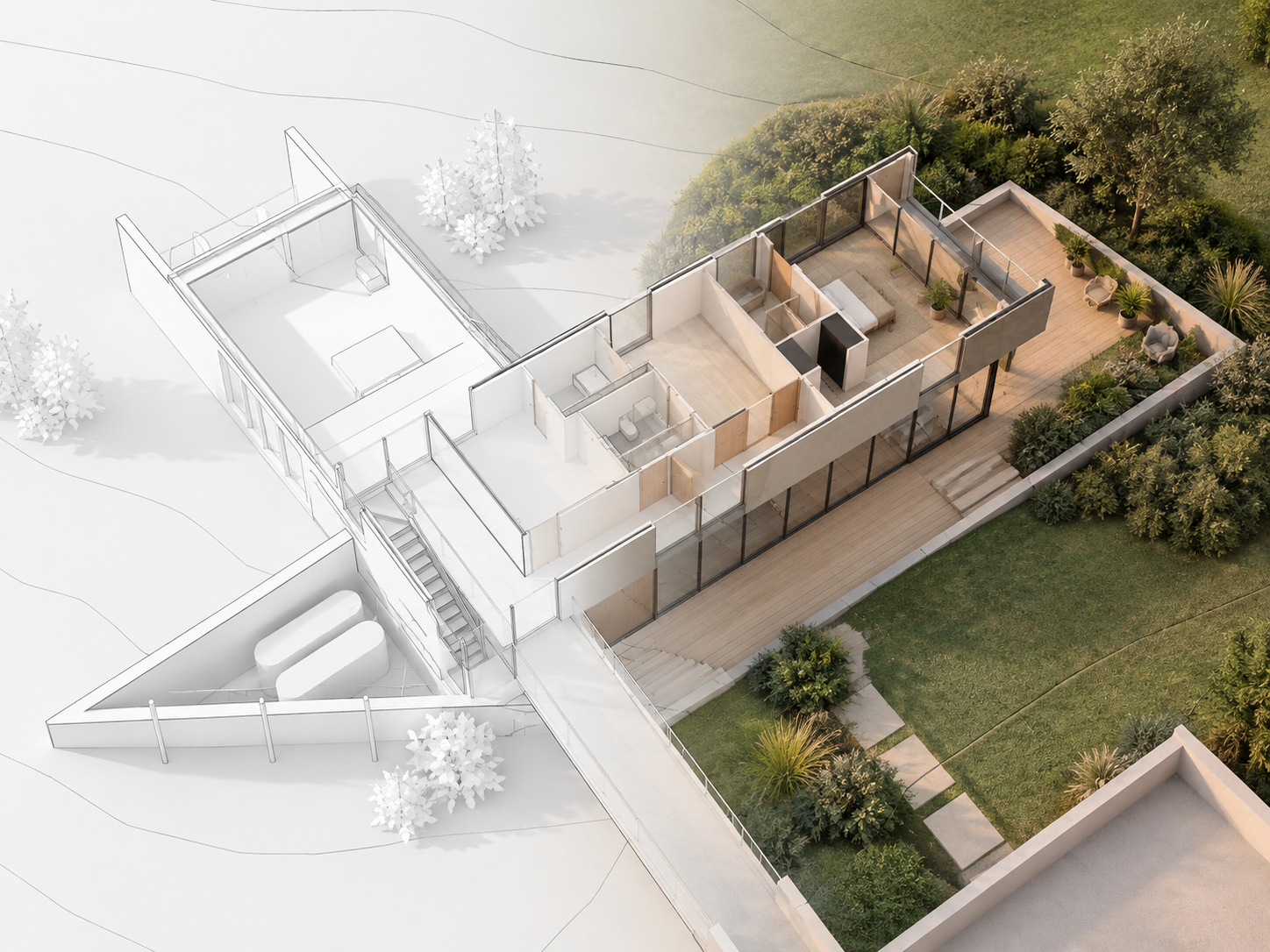
Use your chosen Revit 3D view to control what appears in Blender, including section boxes, visibility overrides, design options and phases.
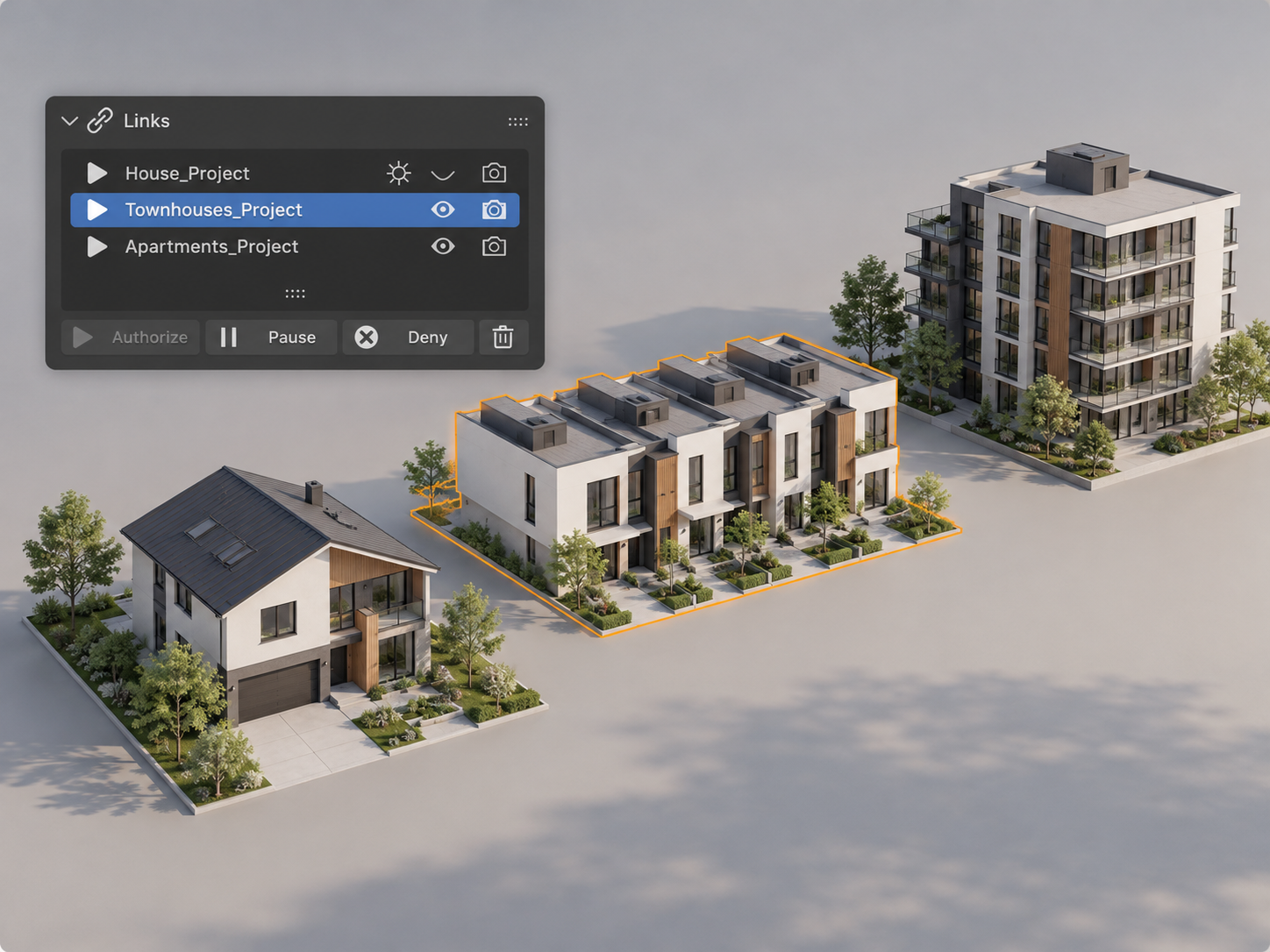
Connect several Revit projects to one Blender scene. Control synchronization, visibility and connection permissions independently for each link.
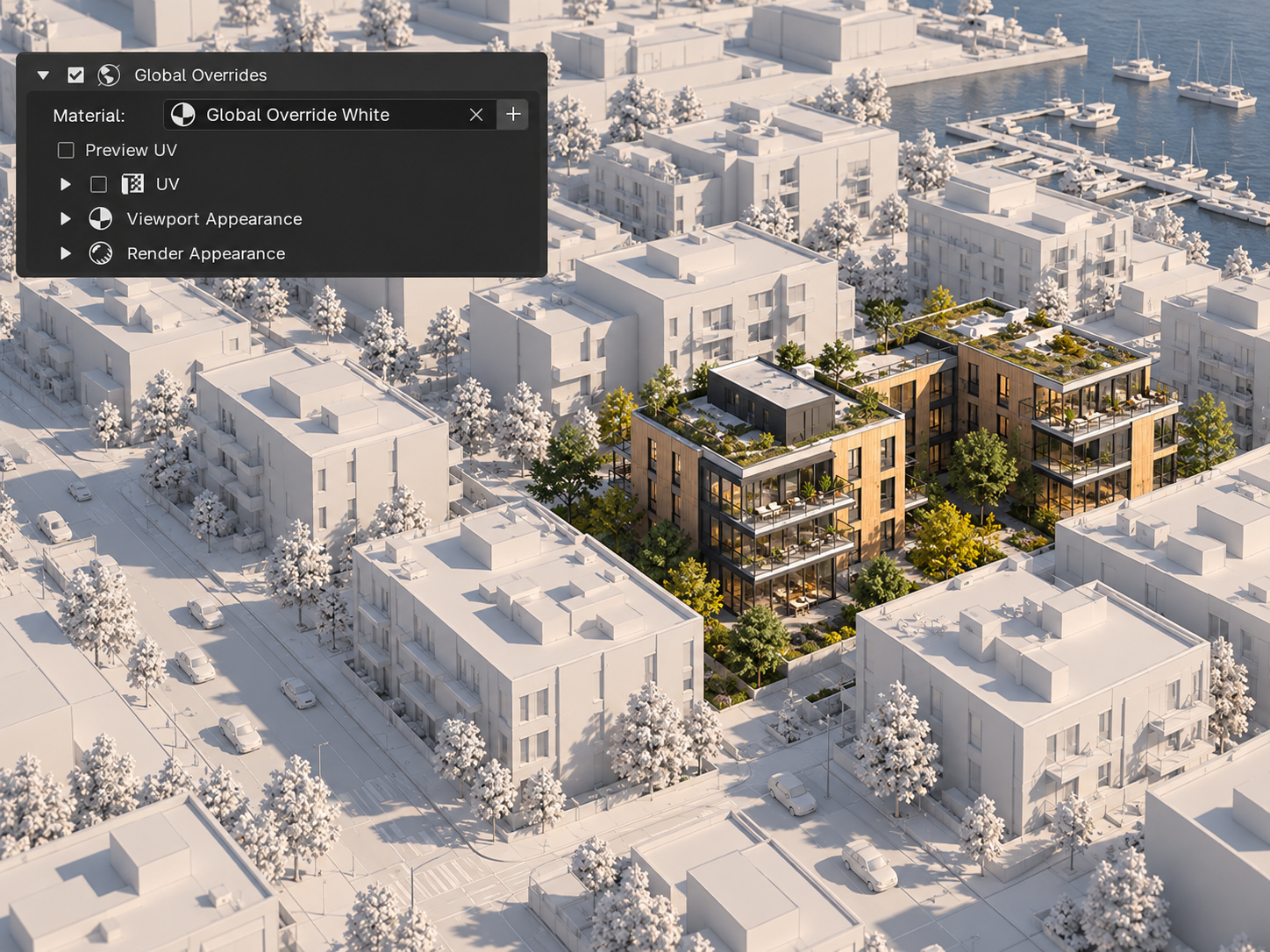
Apply one material across the entire model while excluding selected materials when needed. Your global override settings persist across syncs.
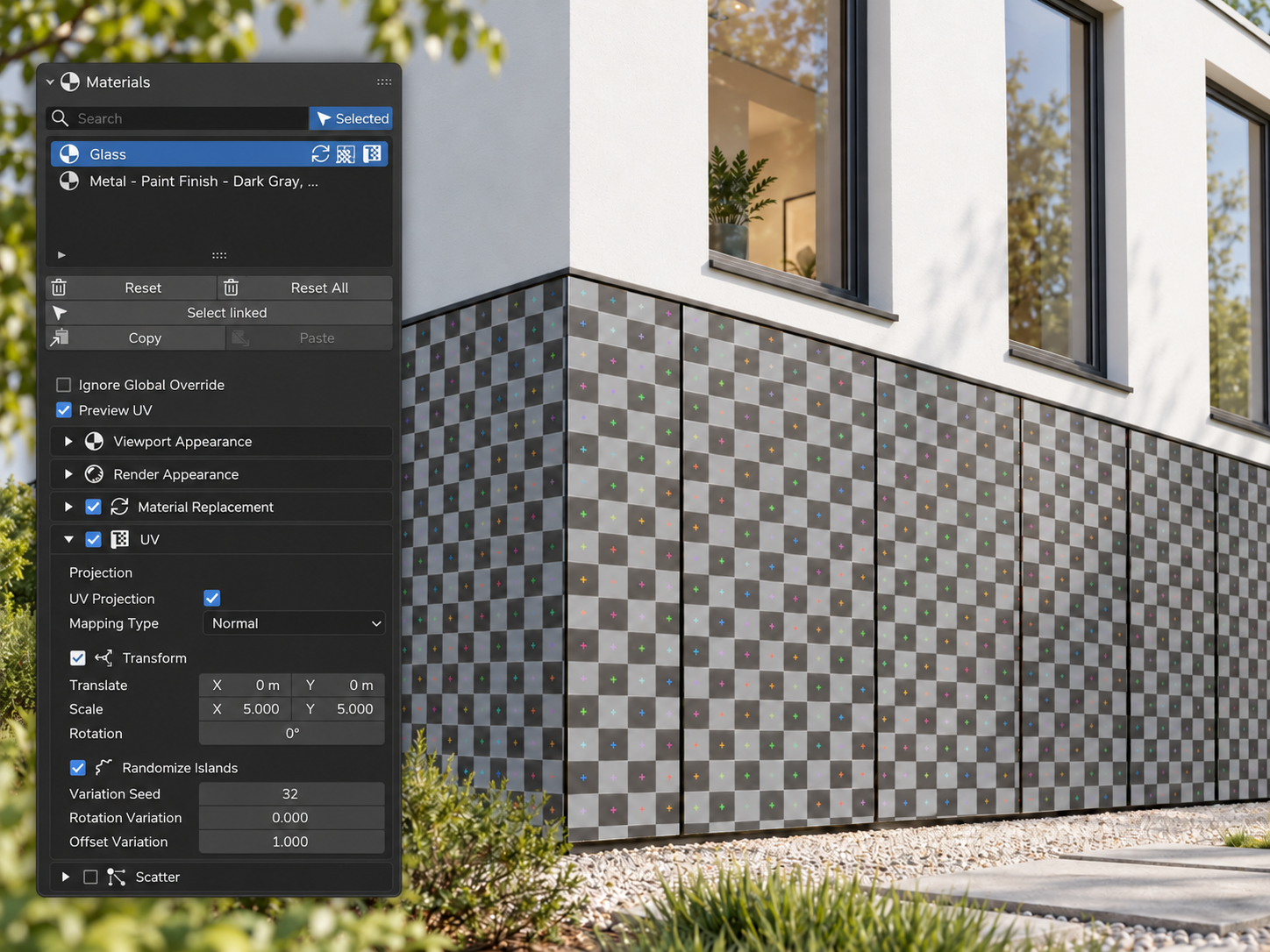
Preview UV mapping, adjust texture scale, rotation and offset, and randomize UV islands to reduce visible repetition in your materials.
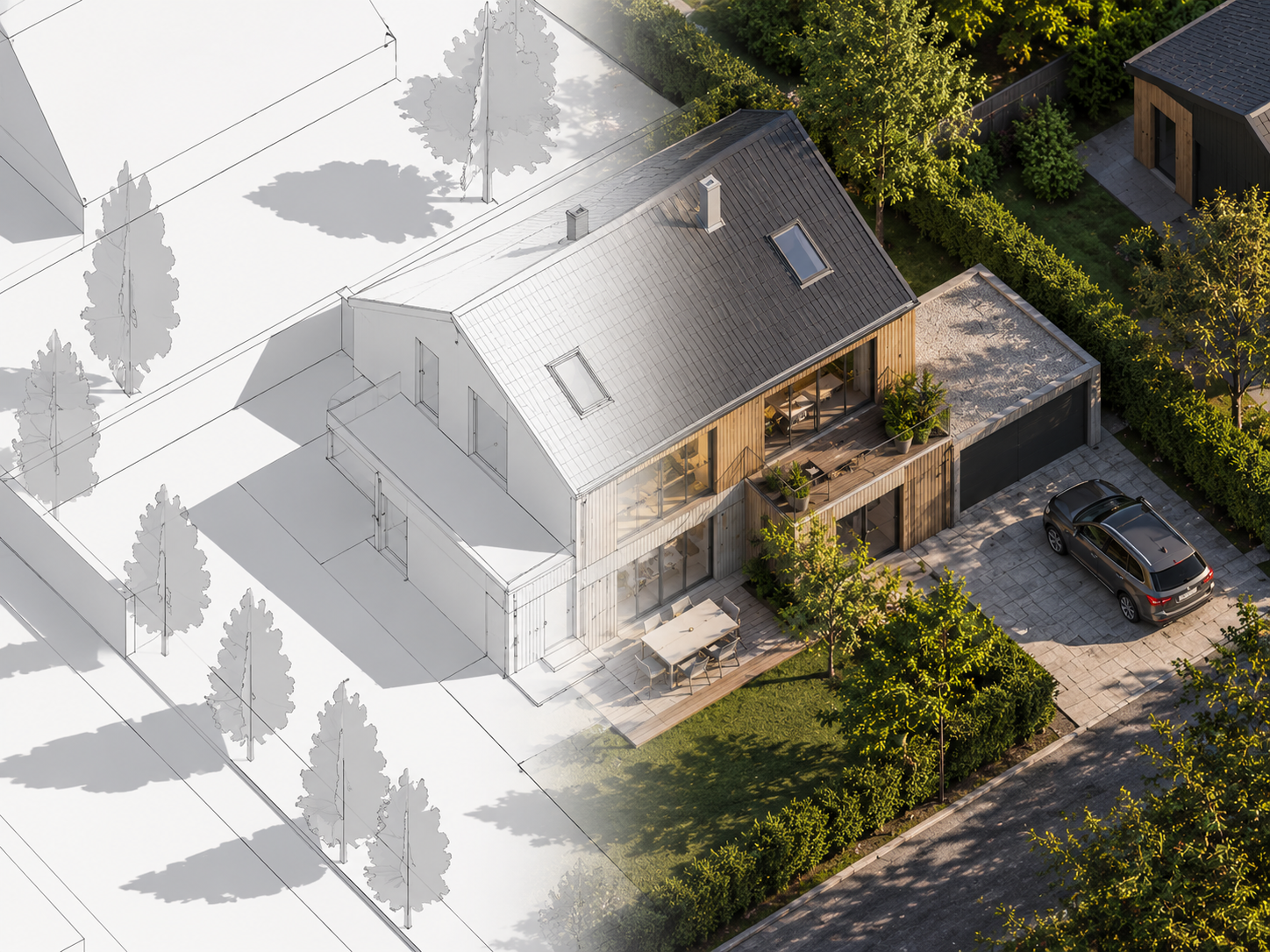
Bring Revit's sun date and time into Blender to explore lighting and shadows during design development and visualization.
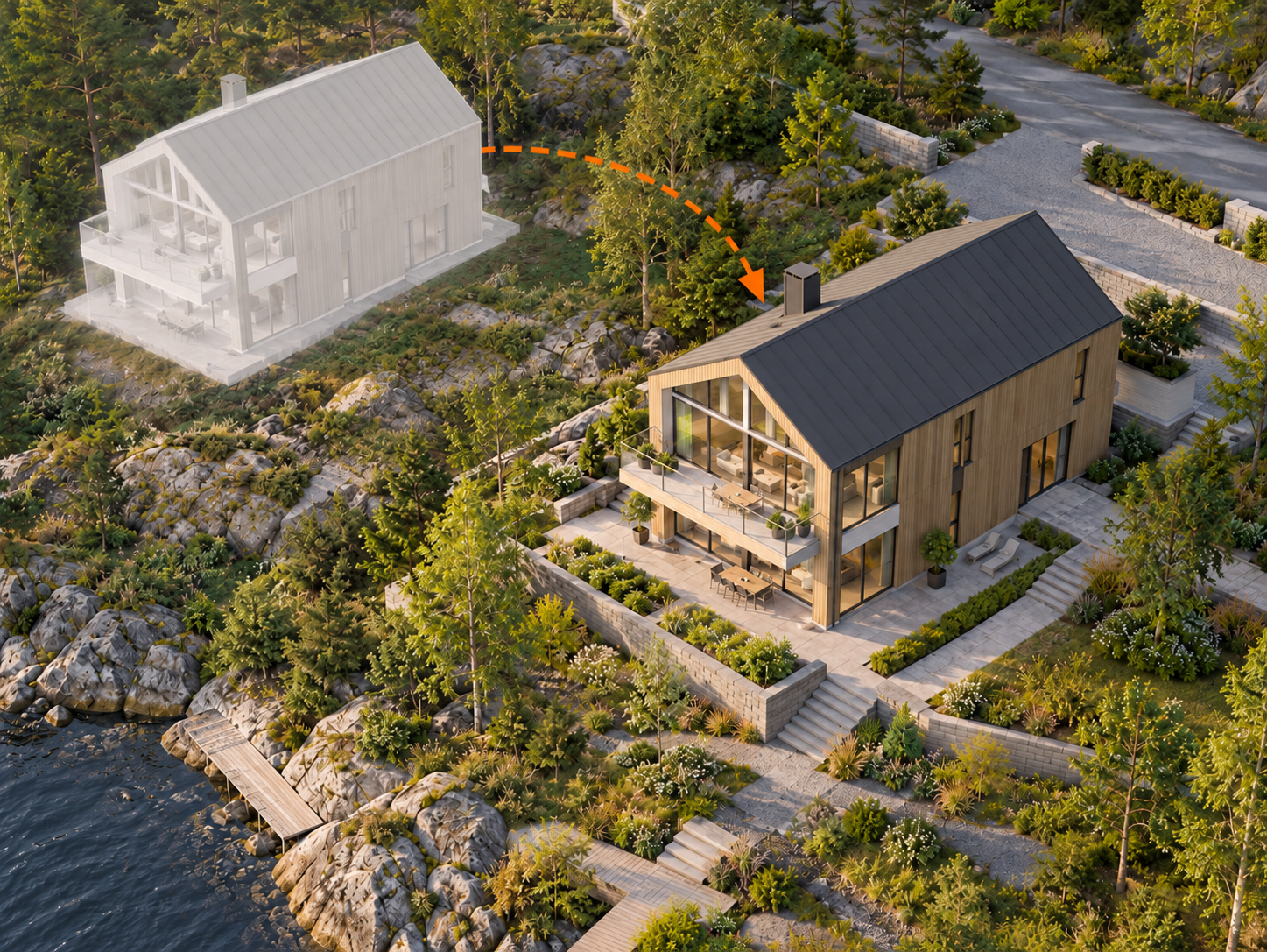
Move entire Revit links within your Blender scene without disturbing geometry, material overrides or family replacements.
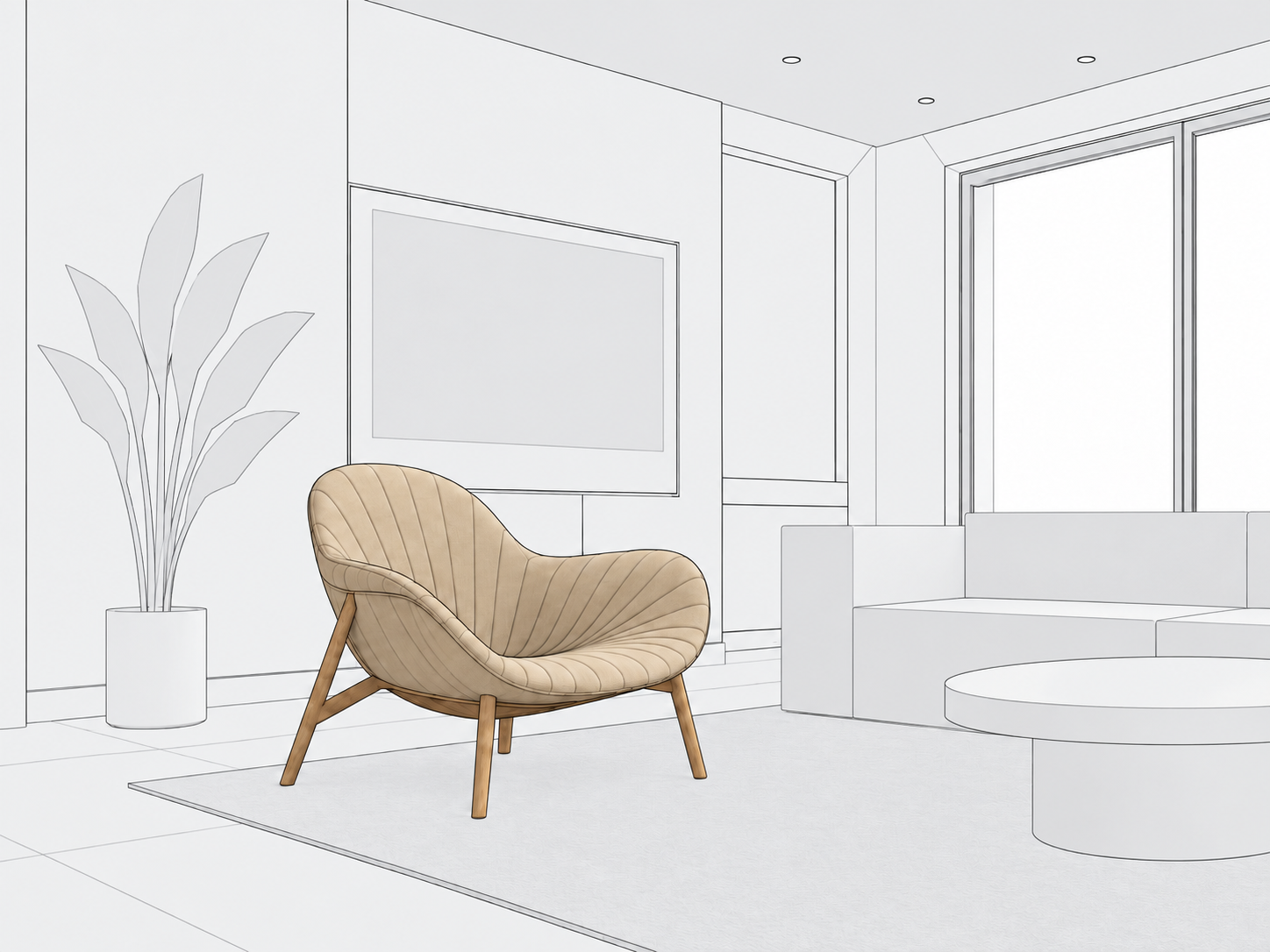
Capture Blender geometry as native Revit families. Update the captured geometry as your Blender design develops without recreating the family.

Use Blender's add-ons, assets, materials and procedural tools to explore design possibilities alongside your synchronized Revit models.
DOWNLOAD & PRICING
Install both add-ons to connect Revit and Blender. The Blender add-on is free, and the Revit add-in includes a 14-day trial without registration or payment details.

Explore your synchronized Revit models in Blender, with tools for materials, family replacements and creative design work.
Blender 5.2 LTS · Windows 10/11

Start a 14-day trial inside Revit. No registration or payment details required. Subscription required after the trial.
Revit 2026 · Windows 10/11
Download and install the Blender add-on and Revit add-in.
Start your 14-day trial in Revit’s License panel. No registration or payment details required.
In Revit, click Sync or Start Live Sync to connect your project.
Open BlenderSync in Blender's N-panel and approve the incoming connection.
HELP & SUPPORT
Find answers to common questions below.
Sync changes manually or enable Live Sync to automatically bring Revit changes into Blender. You can authorize connections and pause incoming updates.
Material overrides and family replacements configured through BlenderSync persist as the Revit model updates.
Revit 2026 and Blender 5.2 LTS on Windows 10 or 11. macOS and Linux aren’t supported.
Yes. The Revit add-in includes a 14-day trial. Activate it inside Revit without registration or payment details.
Yes. Install both to connect Revit and Blender.
Each active computer uses one licensed seat. You can release a seat and move it to another computer. The Revit subscription costs USD 20 per seat per month, plus applicable taxes.
Microsoft Defender SmartScreen may warn about newer applications that have not yet built up enough download reputation. The BlenderSync Revit installer is digitally signed by Go There Software AS, but signing alone does not prevent this warning. If you downloaded it from our official link, check that the publisher shown under More info is Go There Software AS and verify the file’s source before deciding whether to select Run anyway. Do not bypass a warning if the publisher or source is unexpected.